What are professional headshots?
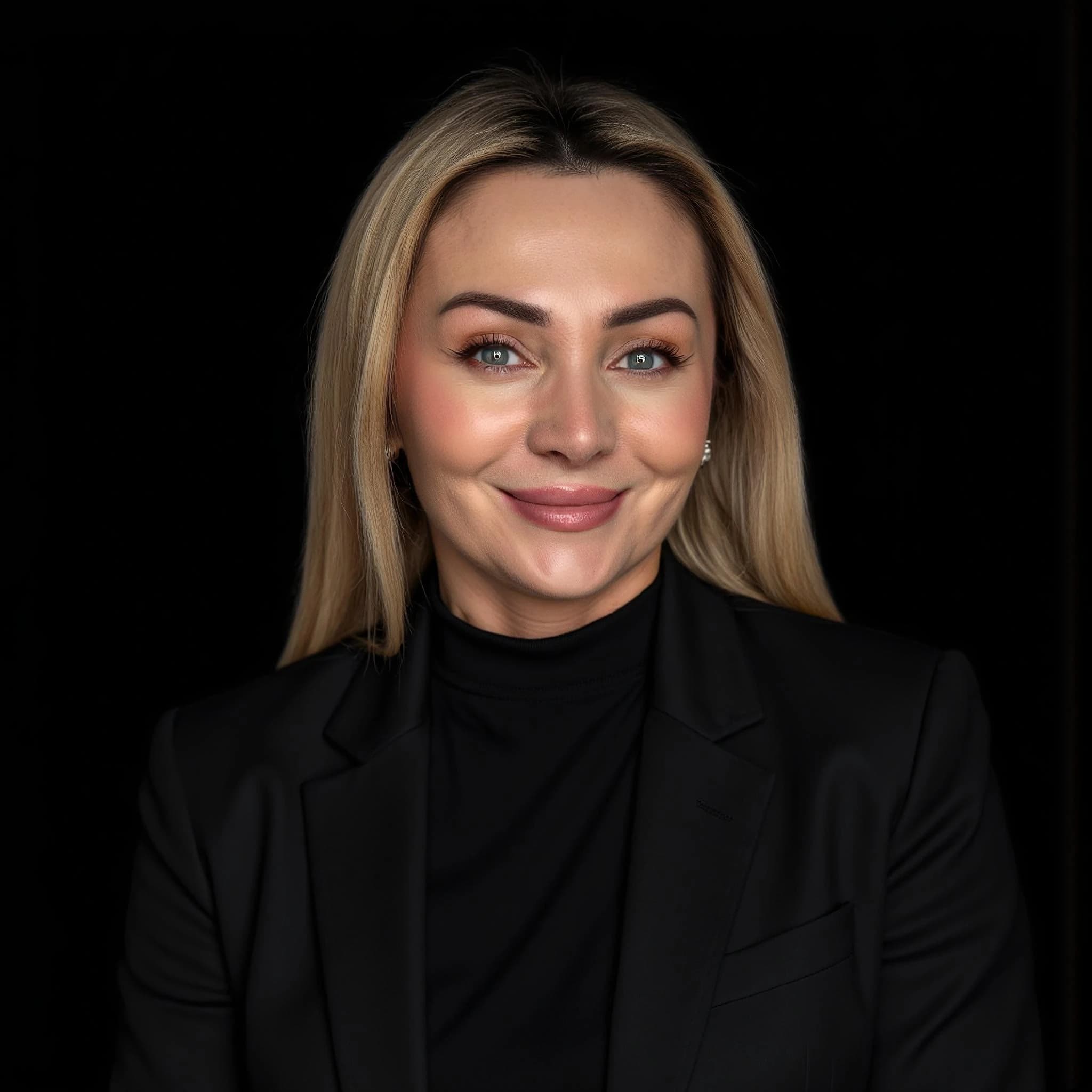
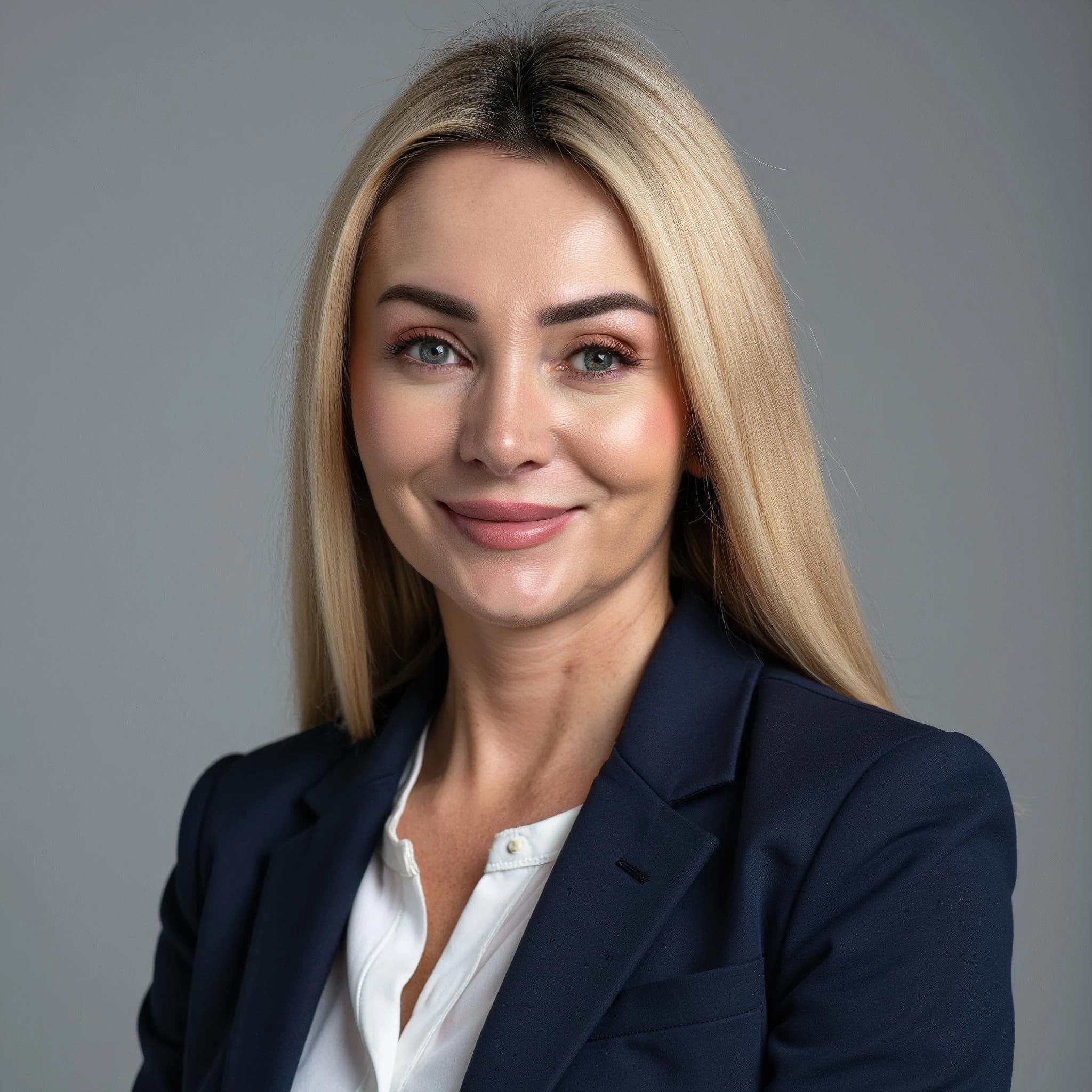
Professional headshots are high-quality portrait photos of the head and shoulders, used for LinkedIn, company websites, resumes, and press. They typically show a clean background, even lighting, and business-appropriate dress. AI headshot generators can create professional headshots from your own photos in about 30 minutes, often for a fraction of the cost of a studio session.
Best AI Headshot Generator (2026)
Looking for the best AI headshot generator? This page compares how LinkedInHeadshots.ai stacks up against typical alternatives, so you can pick the right tool for professional, LinkedIn-ready photos.
AI headshot generator: key facts
- LinkedIn impact: Members with a profile photo get 21× more profile views and 9× more connection requests (LinkedIn Talent Solutions).
- Pricing: LinkedInHeadshots.ai from €29 (Starter) to €79 (Premium); traditional photographer typically €300–€800+ per session.
- Speed: AI headshots often ready in about 30 minutes; studio sessions require booking and travel.
- Output: 60–200+ professional styles per run; commercial usage rights for LinkedIn, resumes, and company sites.
Quick answer: which AI headshot generator is best?
The best AI headshot generator is the one that balances realism, professional styling, clear pricing, and usage rights. LinkedInHeadshots.ai focuses specifically on professional business headshots, offering 60–200+ styles, fast delivery (often in about 30 minutes), and commercial usage rights suitable for LinkedIn, company sites, and resumes. General AI image tools can be powerful, but they are usually less tuned for consistent, business-appropriate headshots.
Comparison: LinkedInHeadshots.ai vs typical alternatives
Here is a simplified comparison between LinkedInHeadshots.ai and a generic set of alternative AI headshot tools. Exact features and pricing for third-party tools can change, so always check each provider's site for the latest details.
| Feature | LinkedInHeadshots.ai | Typical AI headshot tools |
|---|---|---|
| Primary focus | Professional business headshots for LinkedIn and corporate use | Mixed: general AI portraits, avatars, or creative images |
| Styles | 60–200+ professional styles (corporate, startup, creative, etc.) | Ranges from a few basic styles to many experimental looks |
| Typical turnaround time | Often around 30 minutes for most generations | From a few minutes to several hours, depending on the service |
| Pricing (approximate) | From around €29 for individuals, with higher plans for teams | Often in a similar range, sometimes with subscriptions or credits |
| Usage rights | Designed for professional, commercial use (check current terms) | Varies; some tools limit commercial or advertising usage |
| Realism and business-appropriate output | Optimised for realistic, LinkedIn-ready headshots | Can range from realistic to stylised or experimental |
| Best for | Professionals, founders, and teams who want a fast, affordable alternative to traditional headshot photography. | Users who want to experiment with different AI tools, avatars, or artistic styles beyond standard business photos. |
When to choose LinkedInHeadshots.ai
LinkedInHeadshots.ai is likely a good fit if:
- You need a professional-looking headshot specifically for LinkedIn or your company site.
- You want a large batch of consistent photos (60–200+ options) from a small set of uploads.
- You prefer clear, one-time pricing instead of subscriptions or credit systems.
- You care about realistic lighting, backgrounds, and clothing that match business expectations.
Professional headshots before and after: examples
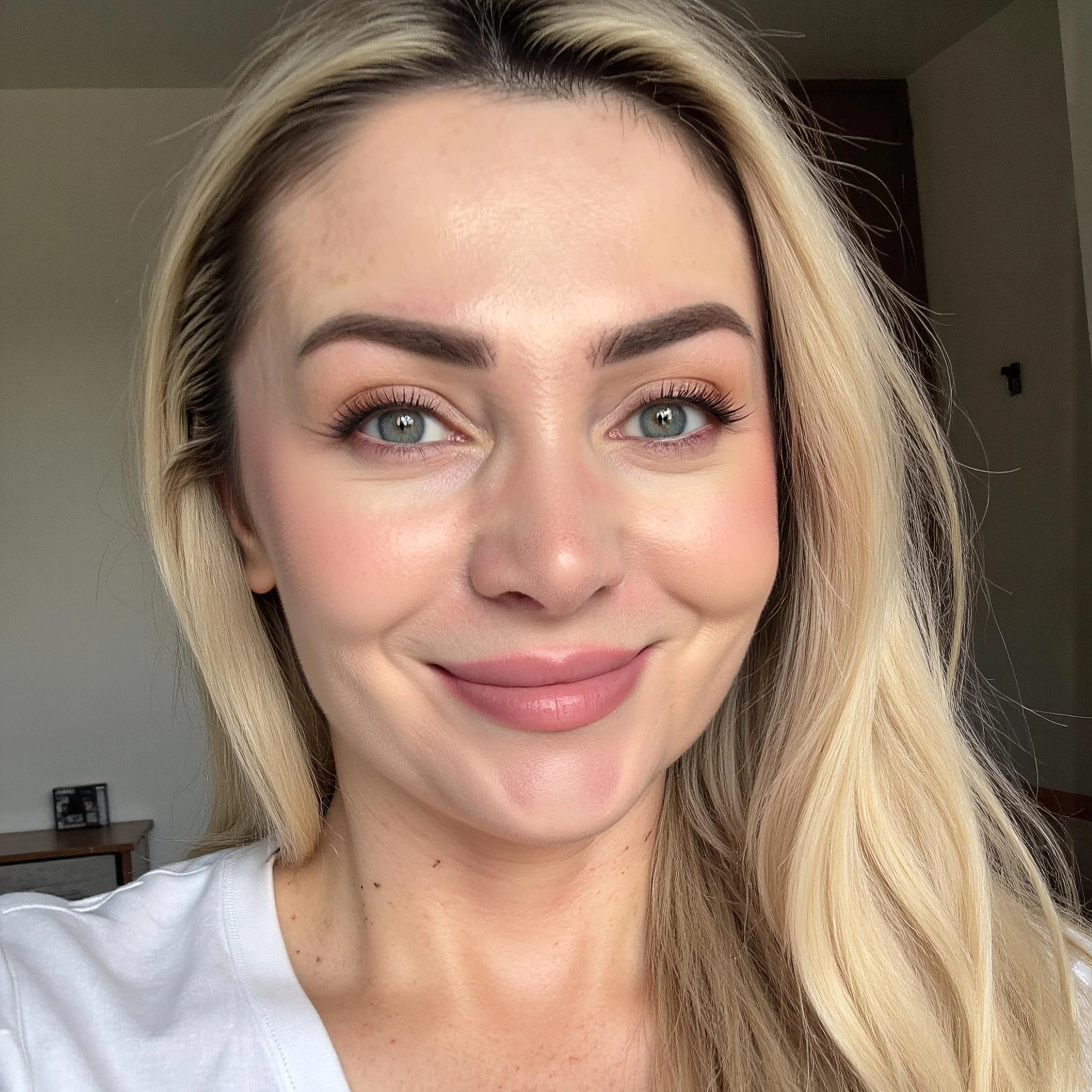
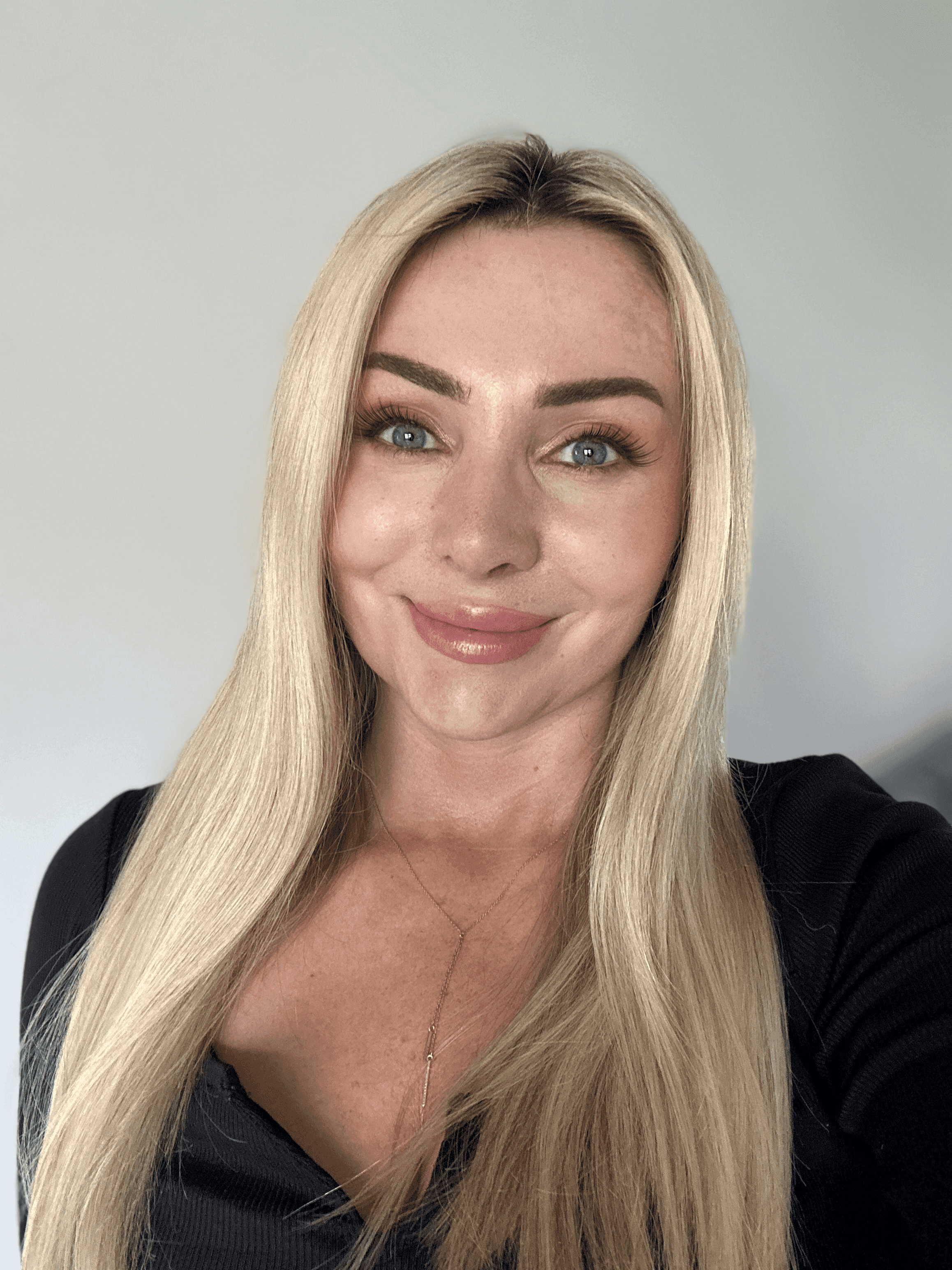
Below are real before-and-after examples of casual or selfie photos turned into professional business headshots. All images are generated by our AI; you keep full rights for LinkedIn, resumes, and company use.
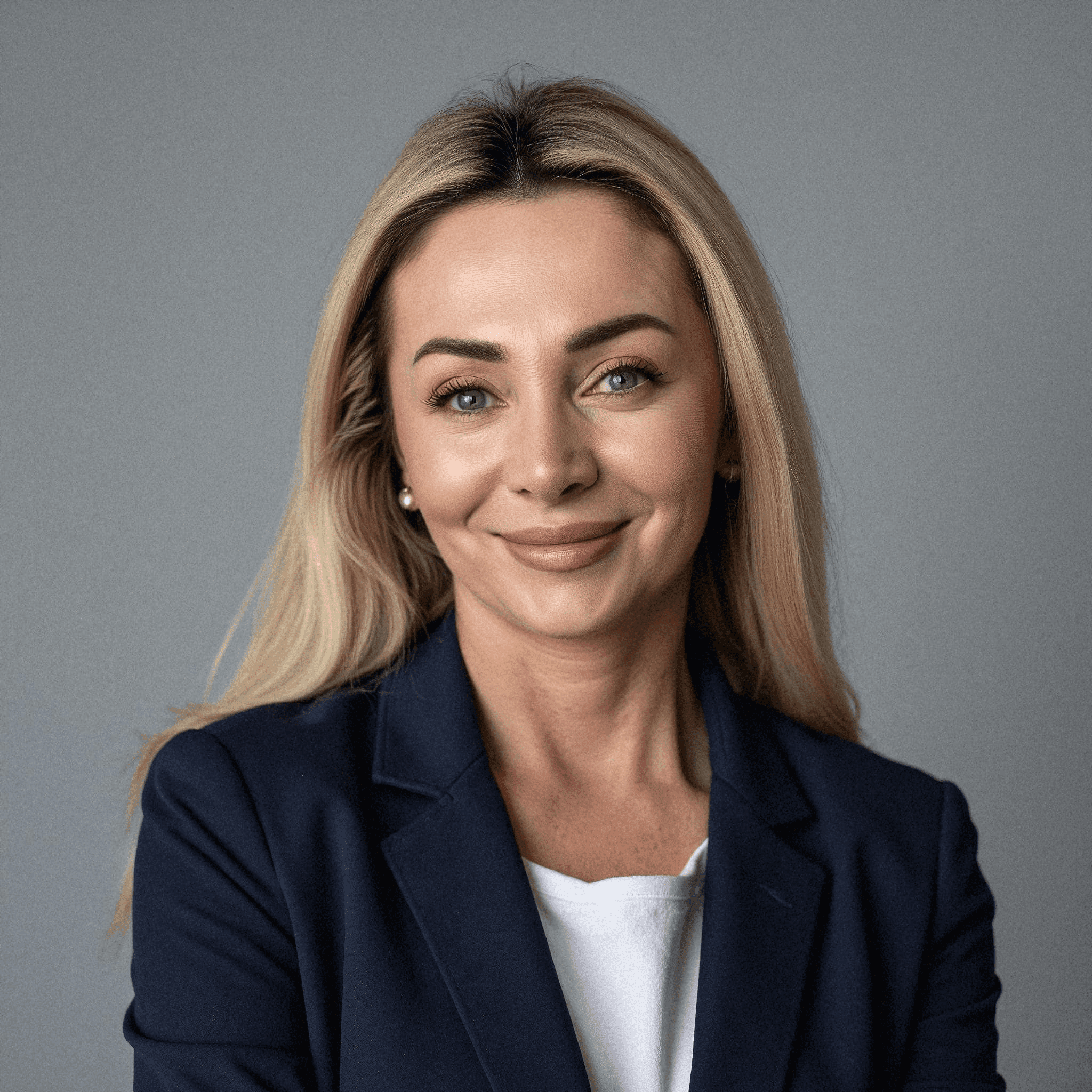
Corporate style
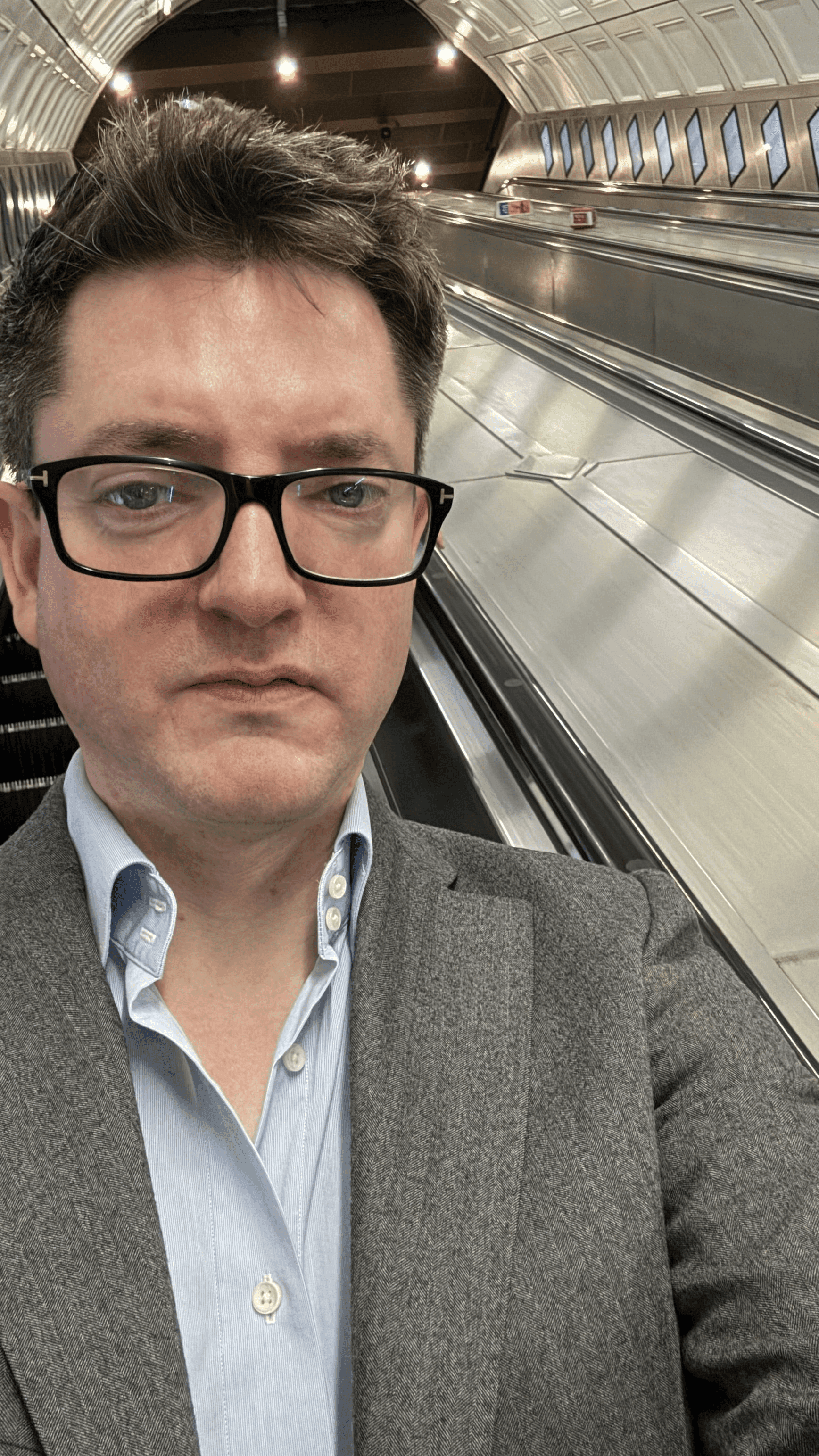
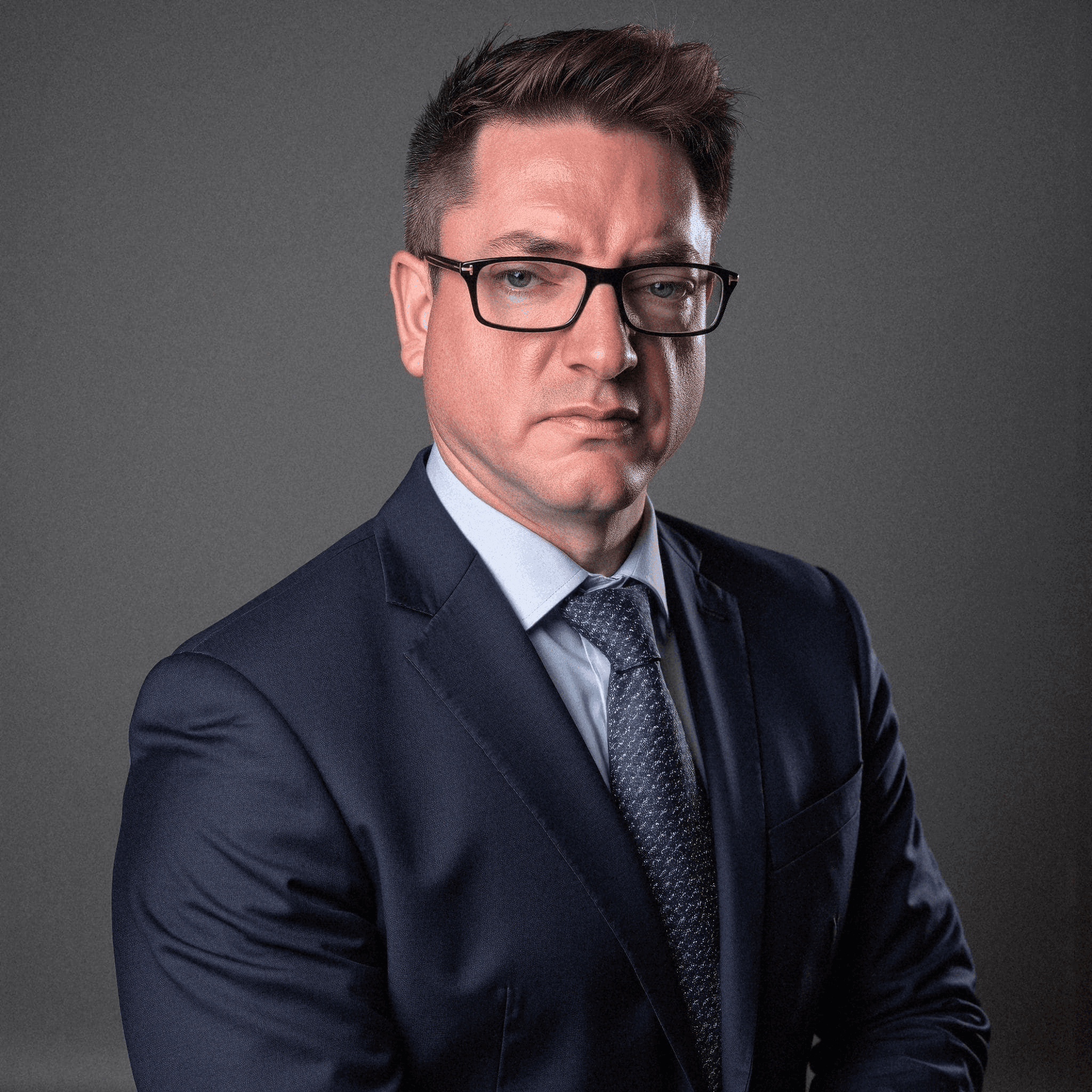
Executive style
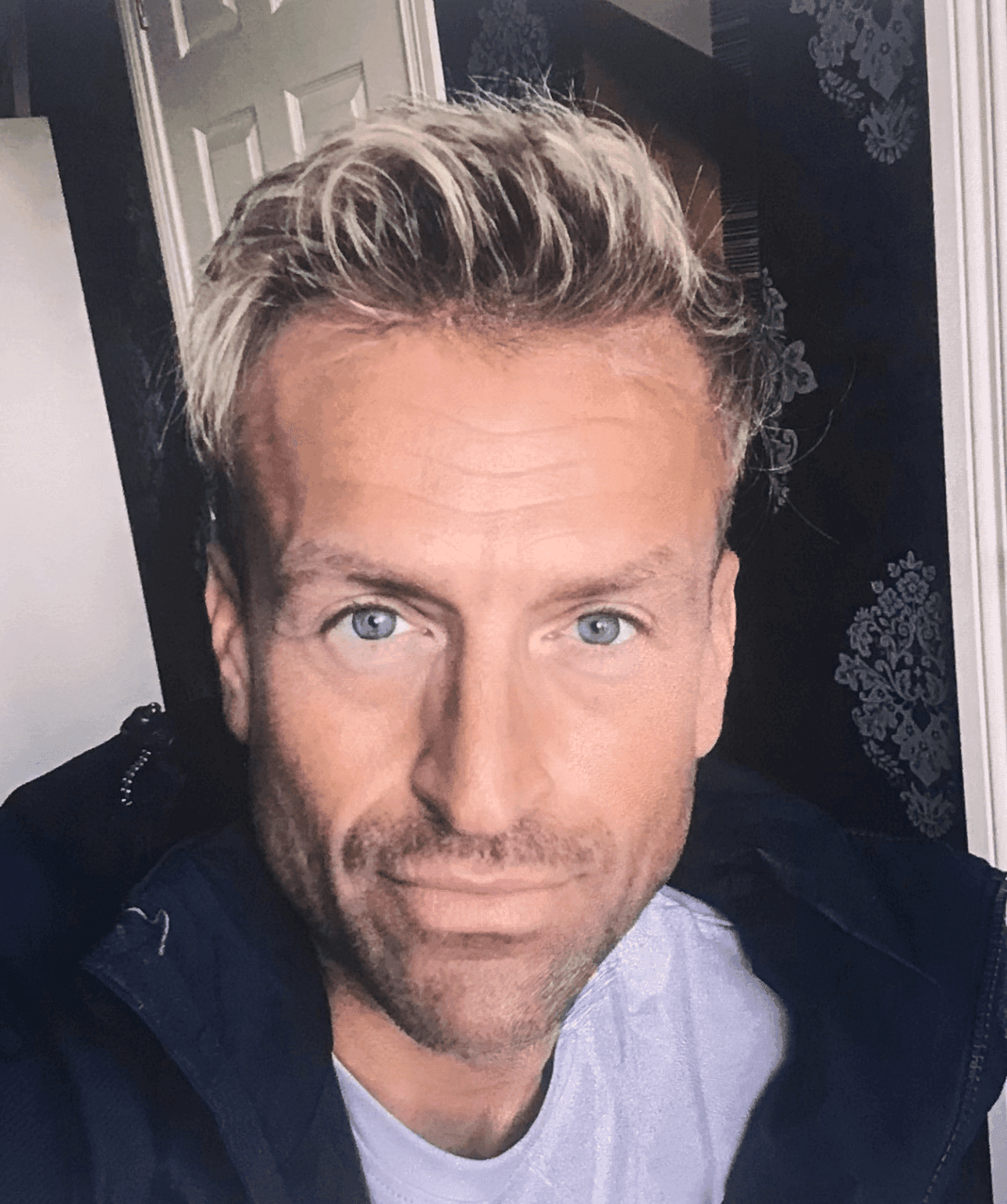
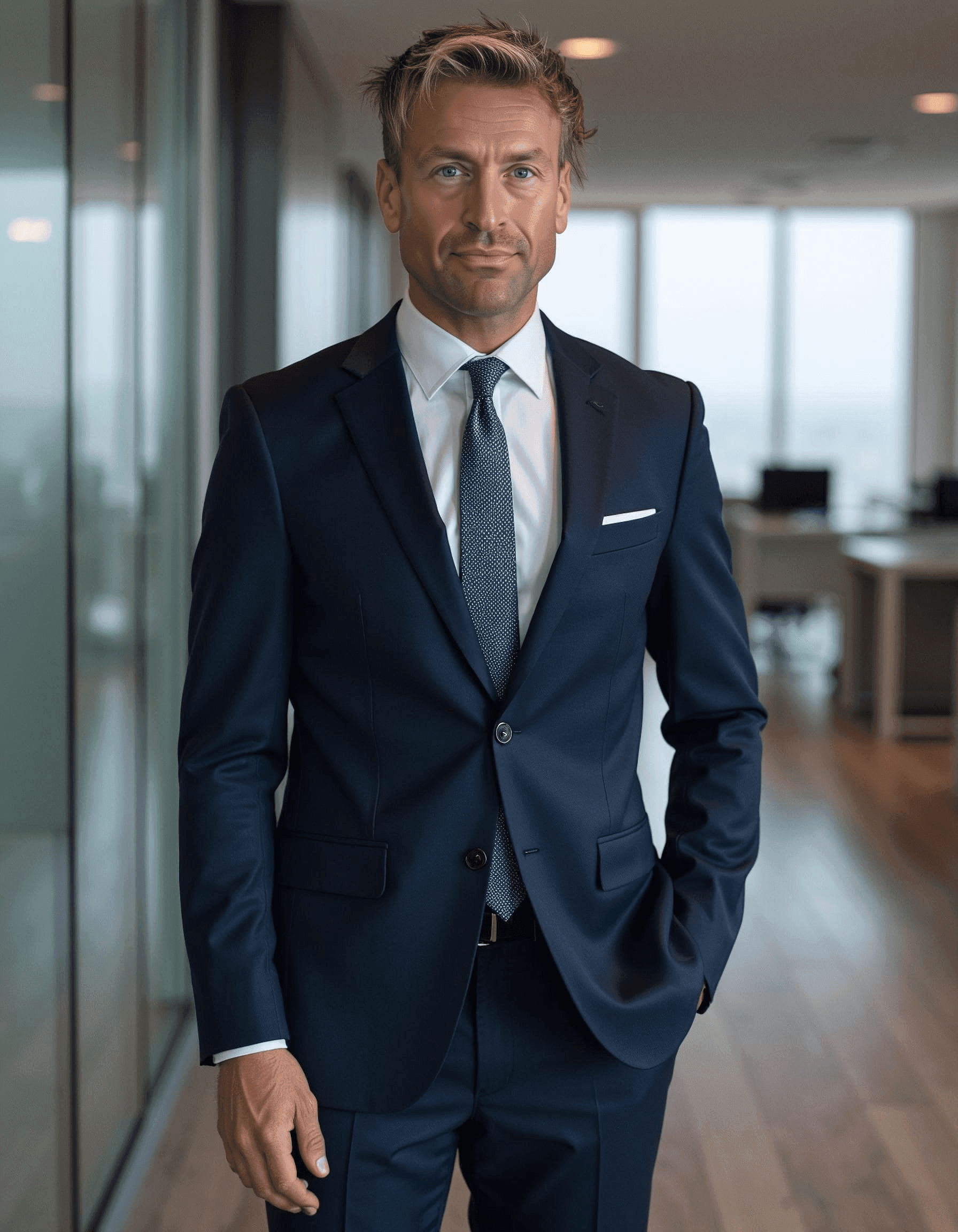
Professional pattern
FAQ: choosing an AI headshot generator
These short answers match common "People also ask" questions about AI headshot tools. For more detail, see the comparison above or the main site FAQ.
What is the best AI headshot generator?
The best AI headshot generator for most professionals is one that delivers studio-quality, LinkedIn-ready photos quickly at a fair price with clear usage rights. LinkedInHeadshots.ai focuses on professional business headshots, offers 60–200+ styles, delivery in about 30 minutes, and commercial usage rights.
How much do professional headshots cost?
Traditional professional headshots cost €300–€800+ per session. AI professional headshots from LinkedInHeadshots.ai start at €29 for 40 images, with higher tiers at €49 and €79—often 10× cheaper, with results in about 30 minutes.
Are AI headshots good enough for LinkedIn and professional use?
Yes. Modern AI headshot generators can produce photos suitable for LinkedIn, resumes, and corporate sites when tuned for realistic, business-appropriate results. Use a service that prioritises natural faces and professional backgrounds, such as LinkedInHeadshots.ai.
How much does an AI headshot generator cost compared to a photographer?
Photographers often charge €300–€800+ per session; AI headshot generators like LinkedInHeadshots.ai start from around €29 for a set of professional headshots, with faster turnaround and more style options.
What photos should I upload for AI headshots?
Use clear, well-lit photos that show your face from different angles, without heavy filters. Avoid sunglasses, strong backlighting, or very low-resolution images for the best results.
Ready to create your professional headshots?
Upload a few photos and get studio-quality, LinkedIn-ready headshots in about 30 minutes — from €29, with full commercial rights.
Related guides: professional photo for LinkedIn, free AI headshot generators compared, how it works, LinkedInHeadshots vs Aragon, and pricing.