Free Professional AI Headshots: Best Generators 2026 | LinkedInHeadshots.ai
By Stephen on November 3, 2025
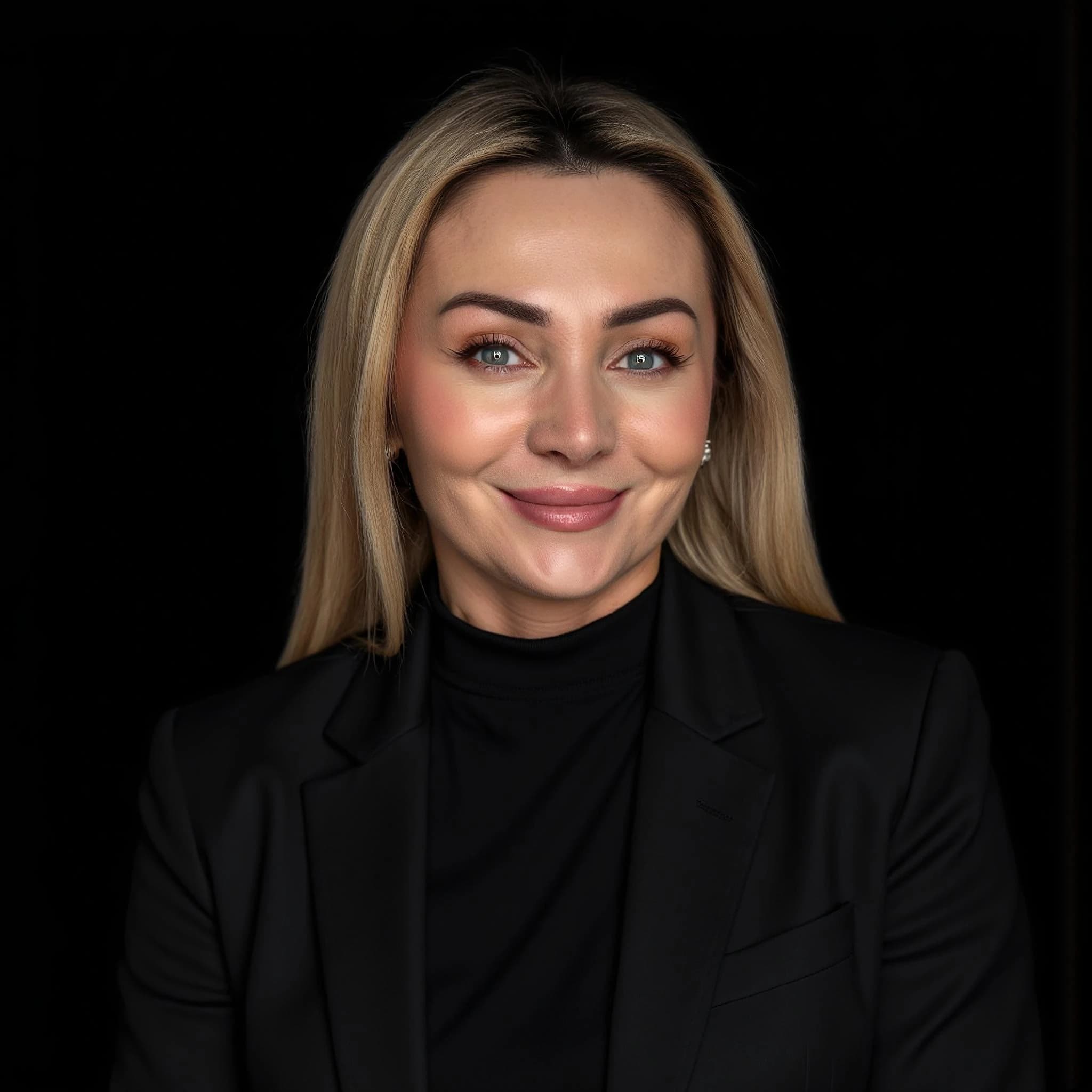
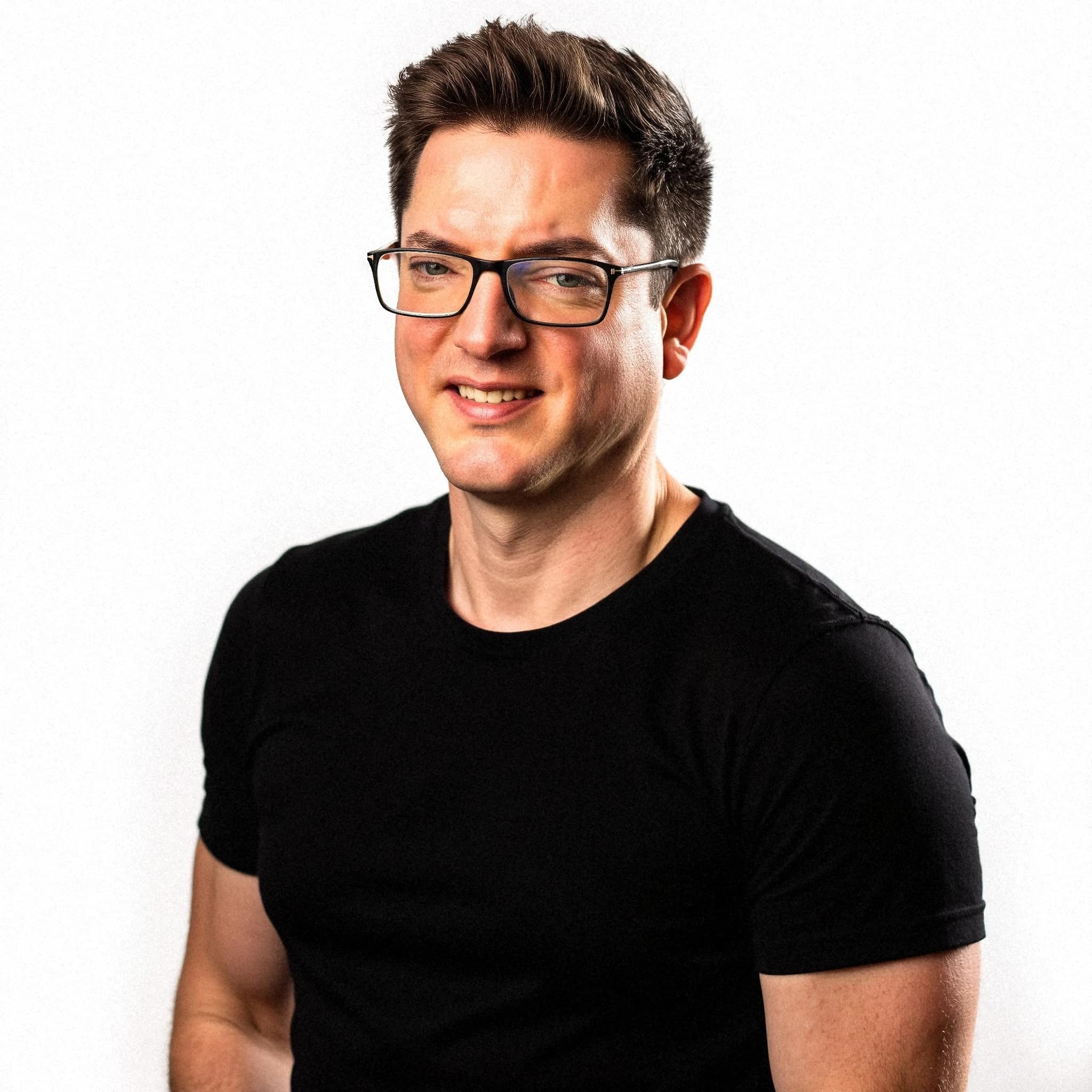
What is the best free AI headshot generator?
The best free AI headshot options include limited free tiers from tools like Canva or trial credits from dedicated services. For full professional sets (40–200 headshots) with commercial use, LinkedInHeadshots.ai starts from €29 and delivers in about 30 minutes—often better value than free tools with watermarks or limits.
Key facts
- Free AI headshot tools often limit resolution, add watermarks, or allow personal use only.
- LinkedInHeadshots.ai: from €29, 40–200 headshots, commercial use, 30 min delivery.
- Best for LinkedIn: choose a service that allows commercial use and no watermark.
Short answer: there is no truly free AI headshot generator that produces watermark-free, commercial-use, LinkedIn-ready photos. The tools that are genuinely free either watermark your images, cap you at one or two outputs, or restrict commercial use. The best value for a professional result is a low-cost paid service — but if you only need to test the idea, a few free options are worth trying first. Below is an honest comparison.
Free AI headshot tools compared
Most tools marketed as "free AI headshot generators" fall into three buckets: genuinely free apps with limits, free trials that need a card, and paid services with a free preview. Here is how the common options actually work (always check current terms, as free tiers change often):
| Tool | Free offering | Watermark | Commercial use | Best for |
|---|---|---|---|---|
| Canva | Free tier with basic AI photo / "Magic" portrait edits | Usually no watermark on free elements, limited realism | Allowed within Canva terms | Quick edits, simple backgrounds |
| Fotor | Free credits, then paywalled | Often watermarked / downscaled on free | Limited on free | Casual testing |
| Remini | Free mobile app with ads and daily limits | Limits / ads on free | Personal use leaning | Enhancing existing photos |
| PhotoRoom / Pixelcut | Free background tools | Varies | Limited on free | Background swaps, not full headshots |
| Dedicated headshot services (Aragon, HeadshotPro, etc.) | Paid; some offer a small free preview | n/a (paid) | Yes (paid) | Full professional sets |
| LinkedInHeadshots.ai | Paid from €29 (~$32), 40+ photos, 30-min delivery | No watermark | Full commercial license | LinkedIn / professional use |
What "free" actually gets you
The catch with free options is rarely the AI quality — it is the restrictions wrapped around it:
- Watermarks. The most common limit. Fine for testing, not for a LinkedIn profile or company page.
- Output caps. One to three images, often a single style or background — not enough to choose a flattering result.
- Commercial-use limits. Several free tiers are personal-use only. Using them on a business profile can breach the terms.
- Slow processing. Free queues can take hours or days versus minutes on paid plans.
- Resolution limits. Downscaled exports look soft once cropped to LinkedIn's circular frame.
When a free generator is fine — and when it isn't
Free is fine if you just want to see whether AI headshots look realistic on your face, you need a single casual image, or you are happy to remove a background and accept lower resolution.
Free falls short if you need a polished LinkedIn photo, several styles to choose from, commercial rights, or a consistent set for a team. In those cases, the time spent hopping between free tools — and accepting watermarks — usually costs more than a low-priced paid set.
The honest recommendation
Try one free tool to confirm you like the AI-headshot approach. If the result needs to go on LinkedIn, a résumé, or a company site, a paid set is the better value: for around €29 you get 40+ retouched, watermark-free photos in multiple styles, delivered in about 30 minutes, with a full commercial licence. That is typically cheaper than a single hour with a local photographer (€150–€400 / $200–$500) and far faster than stitching together free trials.
How to choose
- Decide where the photo will be used — testing vs. a public professional profile.
- Check the watermark, resolution, and commercial-use terms before you upload.
- Compare how many usable outputs you actually get for free.
- If you need a professional result, weigh the free hassle against a sub-€30 paid set.
For LinkedIn specifically, the "best free AI headshot generator" is usually the wrong question — the better one is "what gets me a recruiter-ready photo for the least time and money?" For most people, that is a low-cost paid set rather than a watermarked free download.
Get your professional headshots
Studio-quality, LinkedIn-ready headshots in about 30 minutes — from €29, with full commercial rights.